# 提交工单
## 操作步骤
1. 登录GrowingIO平台。
2. 单击界面右上角的  选择**提交问题**直接进入工单系统提交新问题界面,
3. 填写工单,并单击**提交。**

| **参数** | 说明 |
| ------ | -- |
| 主题 | 请用简短的一句话描述您遇到的问题, 如"SDK 集成不上", "App 唤醒不了圈选" |
| -- | ------------------------------------------- |
| 问题类型 | -
使用问题
技术问题
|
| ---- | ------------------------------ |
| 项目名称 | 当您提交问题时登录平台后右上角即为项目名称。 如果不清楚项目名称可写『无』 |
| ---- | ------------------------------------- |
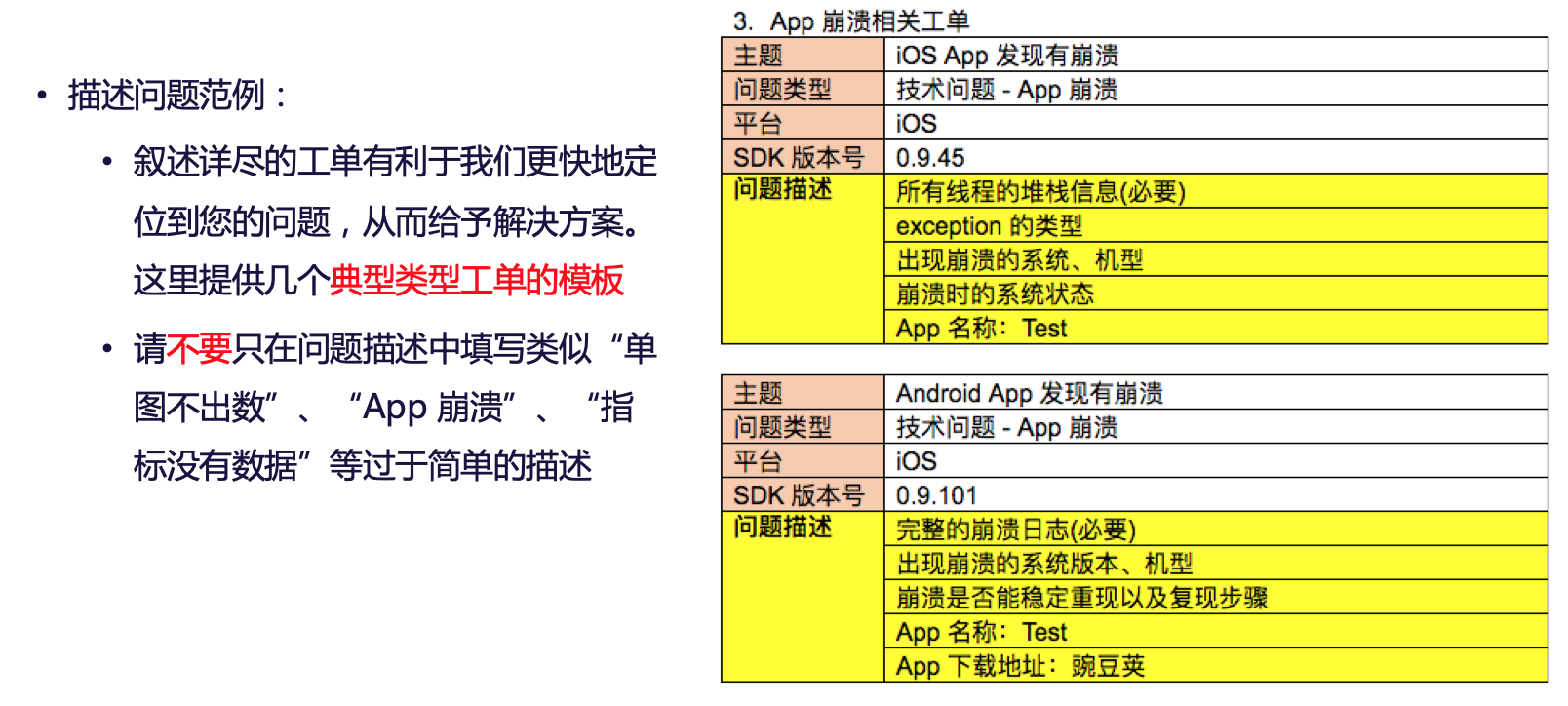
| 问题描述 | 详细的问题描述,可以加快问题解决的速度。
例如:
- 项目 ID:XXXXXXXXX
- 网站 URL / App 名称:
- App 下载地址:
- 疑似数据问题的单图 / 分群名称:
- 复现步骤 / 具体描述(截图):
- 崩溃日志(可以附件上传或截图)
|
| ---- | -------------------------------------------------------------------------------------------------------------------------------------------------------------------------------------------- |
| 附件上传 | 拖动或点击上传附件。 |
| ---- | ---------- |
## GrowingIO 社区讨论入口
---
# Agent Instructions: Querying This Documentation
If you need additional information that is not directly available in this page, you can query the documentation dynamically by asking a question.
Perform an HTTP GET request on the current page URL with the `ask` query parameter:
```
GET https://growingio.gitbook.io/v3/product-manual/tickets/submit.md?ask=
```
The question should be specific, self-contained, and written in natural language.
The response will contain a direct answer to the question and relevant excerpts and sources from the documentation.
Use this mechanism when the answer is not explicitly present in the current page, you need clarification or additional context, or you want to retrieve related documentation sections.